
How to Use a Mac? A Beginner’s Guide to Getting Started with Apple Computers
Apple computers are known for their intuitive macOS operating system and outstanding performance. However, people who have previously used other platforms often wonder, how do you use a Mac? Learning the basic features will help you quickly become familiar with the new environment and make the most of everything macOS has to offer. A good place to start is by getting to know the Dock, Finder, and the most important System Settings. Once you understand these essentials, everyday tasks become easier and much more efficient.
How to Use a Mac? The Most Important macOS Features
macOS is designed with simplicity and user experience in mind. Its clean interface and logical layout make it easy for beginners to learn. To use an Apple computer efficiently, it is worth mastering a few essential skills. When getting started, focus on learning how to:
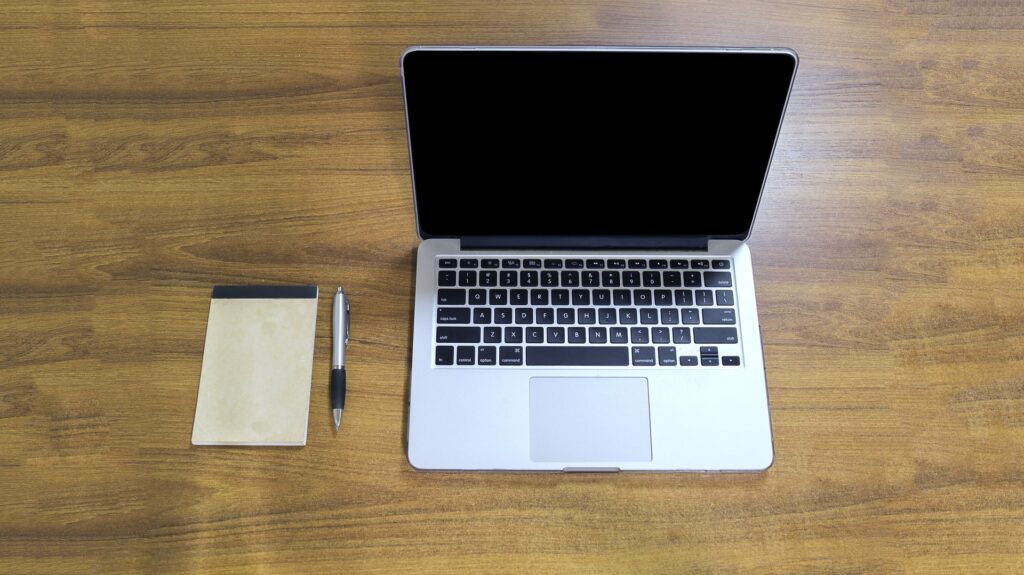
- use Finder to organize and manage files,navigate the Dock and Launchpad,install and update applications,
- configure System Settings,
- create backup, using Time Machine,
- use iCloud to sync files and data across devices,
- use essential keyboard shortcuts to improve productivity.
How to Use a Mac? Learn with the Help of Experts
Practising these core features on a regular basis will help you become more familiar with macOS and make everyday computer use more comfortable and efficient.
While it is possible to learn the system on your own, professional training can help you develop practical skills much faster. How do you use a Mac? This is a common question among new Apple users who want to take full advantage of their computers both at work and at home. A course led by experienced instructors helps participants avoid common mistakes, gain a better understanding of how macOS works, and discover features that improve both security and productivity. With the right knowledge, users can confidently navigate macOS, save time, and unlock the full potential of their Apple computer.