
How to properly operate a flash drive?
A simple cable, a USB device, or another. Technically speaking: YES. But how you disconnect the external drive is crucial. Of course, something will happen only if you select the device that’s connected to the initial setup, but after 101, existing data, or data you’re saving, can be overwritten, making it unreadable. Today we’ll talk about a prosaic but important issue. We encounter the question “Why can’t you just remove it?” and “So how do I do it properly from a regular flash drive?” at almost every training session and with almost every client. I’m here to help, and the client has the right to act. Not everyone has to be an IT expert, right? But it’s good to be mindful of your own data and devices. Long-term availability is good.
How did the flash drive work?
Flash drives and external drives, while working, either log in or store data in the background, without informing us, because they don’t have to. Sudden interruption of this process can lead to errors that cannot be easily opened. Properly disconnecting data storage devices is a simple habit that increases the security of files and hardware. It’s worth taking a few seconds to secure them, rather than risking the disclosure of documents or photos.
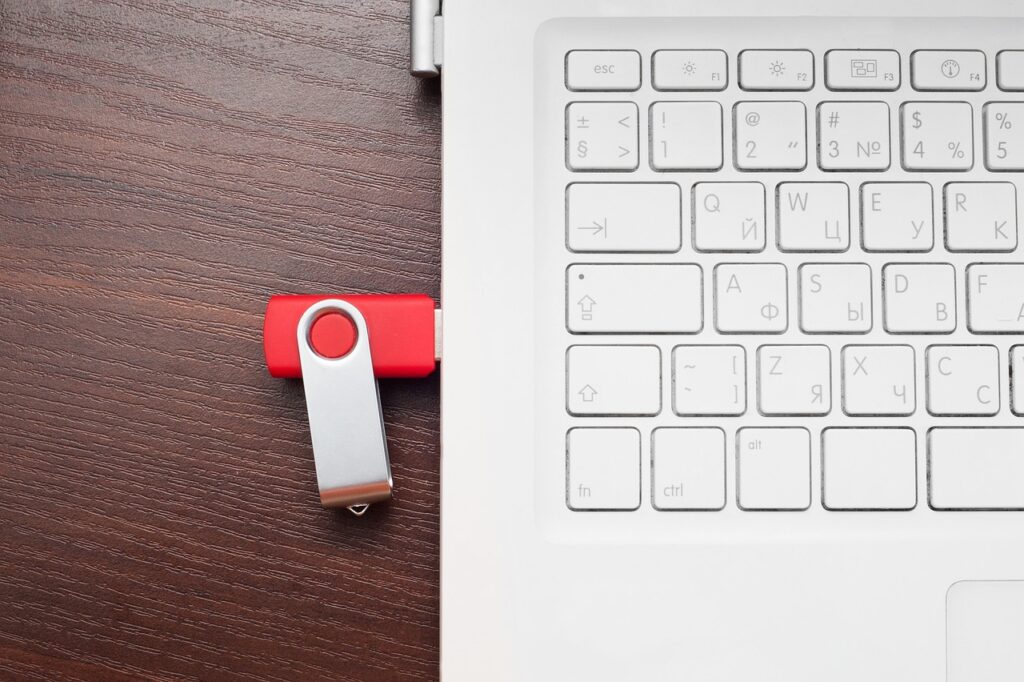
How to properly operate a flash drive? – Instructions for Windows
First, it’s clear that the file on the drive cannot be accessed or copied.
On the right side, near the clock, expand the up arrow.
Click the flash drive icon – “Safely Remove Hardware.”
Include the flash drive or external drive in the list and wait for the message informing you that the device can be removed.
Immediately remove the drive from the USB port.
How to properly operate a flash drive?
For Mac computers, the process is similar – simply “send” the drive to the Trash or alternatively, unplug it in the Finder.
How to properly operate a flash drive? — Effect and Benefit
Applying the principles described, as usual from a standard flash drive, brings real benefits, but their application can have consequences.
Advantages of disconnecting flash drives and external drives:
Reduced risk or data corruption
Longer media lifespan
Stable operating system operation
No need to update the file system
Damage that precludes disconnecting devices:
Unnecessary files or entire folders
Problems with the computer recognizing the drive
File system sharing
Total data loss beyond recovery
As you can see, disconnecting is a minor issue that is chronically unforeseen.