
Magic mouse movment speed
Magic Mouse is a great device for working with the macOS system, but some users may feel that its movement speed is not sufficient. In this article, we will present a simple way to increase the speed of Magic Mouse on Mac. Thanks to this, working on the computer will become more efficient and comfortable. To increase the speed of Magic Mouse on Mac, you must first open the appropriate settings. To do this, follow these steps:
Magic Mouse is a great device for working with the macOS system, but some users may feel that its movement speed is not sufficient. In this article, we will present a simple way to increase the speed of Magic Mouse on Mac. Thanks to this, working on the computer will become more efficient and comfortable. To increase the speed of Magic Mouse on Mac, you must first open the appropriate settings. To do this, follow these steps:
- Click the "Apple" icon in the upper left corner of the screen.
- Select "System Preferences"
- Then click "Mouse"
This is a simple procedure that will allow you to access all the configuration options for your mouse.
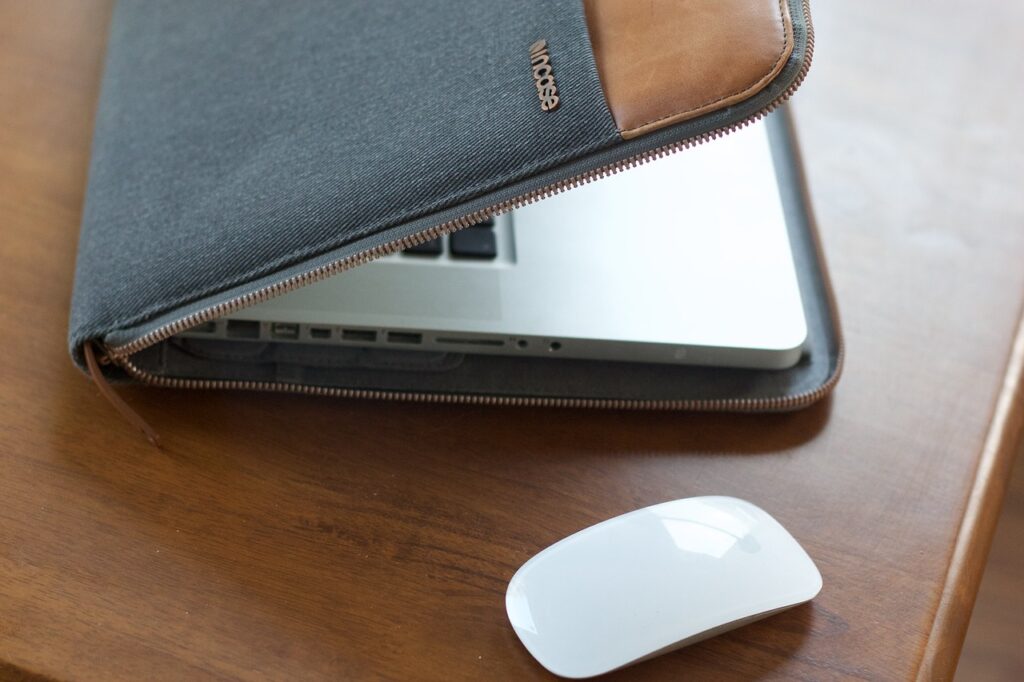
Magic Mouse Movement Speed - CUSTOMIZATION
Once you have opened the mouse settings, you can start increasing the speed of your Magic Mouse on Mac. In the “Mouse” section, you will find sliders to adjust the speed of the pointer and scroll. To increase the speed of your mouse:
- Locate the "Pointer Speed" slider
- List Item #2
- List Item #3
- After making changes, you can close the settings window
After making changes, you can close the settings window. Your Magic Mouse should now work much faster and more efficiently. Increasing the speed of your Magic Mouse on Mac is a simple and quick process. It only takes a few clicks to adjust the mouse settings to your preferences. Remember that the right movement speed can significantly improve the comfort of working on your computer. Try adjusting the settings today and enjoy a more efficient use of your Mac! More settings and configuration of Mac mice, from USB mice to trackpad and magic mouse can be found here: HOW TO SET UP MOUSE ON MAC?